
Do you need a VPN when traveling? For most browsing, no: banking apps, booking sites and most other apps already encrypt your traffic, and the FTC says public Wi-Fi is usually safe because of that. A VPN is worth having on open hotel, airport and cafe Wi-Fi, when your US bank flags foreign logins, and when you work remotely. If you want one, we recommend Surfshark: as of October 2026, one plan covers unlimited devices with servers in 100 countries.
The honest version is that a VPN is a useful layer, not a force field. Below we go situation by situation, explain what a VPN does and doesn’t protect, and list the countries where you shouldn’t use one at all. Everything was checked on October 31, 2026 against guidance from the FTC, CISA and the State Department.
Do you need a VPN? The short answer by situation
You need a VPN most on shared networks you don’t control and when a US service blocks you for logging in from abroad; you need it least on your own mobile data. This table is the quick version.
| Situation | Need a VPN? | Why, or what to do instead |
|---|---|---|
| Open Wi-Fi with no password (airports, cafes, trains) | Yes, or use mobile data | Anyone nearby can join the same network and set up a look-alike hotspot |
| Hotel Wi-Fi shared by all guests | Recommended | HTTPS protects what you send, but the network can still see which sites you visit |
| Your own cellular data or travel eSIM | No | Not shared with strangers; CISA calls it generally more secure than public Wi-Fi |
| US bank or card app that flags foreign logins | Helpful | A VPN server in the US makes your connection look like it’s from home |
| Remote work | Use your employer’s VPN first | Company rules and security tools come before a personal VPN |
| Booking flights and hotels | Not for security | Booking sites use HTTPS; turn the VPN off if a payment gets declined |
| China, the UAE, Russia, Iran and other restrictive countries | No: don’t | VPN use is restricted or illegal in some of them; see the section below |
What does a VPN actually do?
A VPN (virtual private network) encrypts all traffic between your device and the VPN company’s server, then sends it on to the internet from there. That does three useful things for a traveler, and it moves your trust from the Wi-Fi operator to the VPN provider.
- It hides your browsing from the local network. The hotel, airport or cafe Wi-Fi, and anyone else connected to it, sees only an encrypted connection to the VPN server, not which sites and apps you use.
- It protects apps that don’t encrypt properly. Most apps do, but a VPN covers the occasional one that doesn’t.
- It changes where you appear to be. Websites see the VPN server’s location, so connecting to a server in the US makes you look like you’re at home.
The FTC’s advice on VPN apps adds an important caveat: a VPN generally won’t make you anonymous, because you’re shifting trust from your internet provider to the VPN company, and sites still track you through what you share with them. That’s why the provider you choose matters, and why free VPN apps that make money from ads or data sharing are a poor trade.
What a VPN doesn’t protect you from
A VPN only protects your data on the way to the VPN server. It does nothing about what happens on your device or on the website at the other end, and most real-world travel scams happen in exactly those two places.
- HTTPS already does most of the work. Banks, airlines, booking sites and email providers encrypt your connection end to end. The FTC says connecting through public Wi-Fi is usually safe today because of this widespread encryption.
- Phishing and fake login pages. A VPN won’t stop you from typing your password into a convincing fake site. The FTC warns that scammers build fake websites that also use encryption, so the padlock alone doesn’t prove a site is real.
- Malware you install. If you download a malicious app or file, the VPN encrypts its traffic just like everyone else’s.
- Shared computers. CISA warns that hotel business-center computers can carry keyloggers that record everything you type. A VPN on your phone does nothing for them.
- Theft and shoulder-surfing. Lock your phone, use a strong passcode and keep it out of sight.
What protects you more than any VPN: strong unique passwords, two-factor authentication on email and banking, and keeping your phone and apps updated. Our guide to whether public Wi-Fi is safe when traveling covers fake hotspots and look-alike login pages in detail.

Is hotel, airport and cafe Wi-Fi safe without a VPN?
For ordinary browsing on HTTPS sites, usually yes, but CISA’s travel advice is to treat it as untrusted for anything sensitive. Its Cybersecurity While Traveling tip card says to confirm the exact network name and login procedure with staff before you connect, to avoid online shopping, banking and sensitive work on public wireless networks, and notes that your mobile network connection is generally more secure.
The practical rules:
- Hotels: ask the front desk for the exact network name. A network called “Hotel Guest Free” next to “Hotel Guest” is a red flag.
- Airports: the official network is usually named on the airport’s signs or website. Skip unofficial “Free Airport WiFi” networks.
- Cafes: a password on the receipt doesn’t make the network private; every customer has it.
- Everywhere: turn off auto-join for networks you don’t use, and turn off Bluetooth when you don’t need it, as CISA recommends.
This is where a VPN earns its keep. Turn it on before you open anything on a shared network, and your browsing is hidden from the network and the people on it. Surfshark’s apps run on phones, laptops and tablets, and one plan covers unlimited devices, so you can protect everyone’s devices in the hotel room with a single subscription.
The other fix is to skip the Wi-Fi. A travel eSIM gives you your own mobile data from the moment you land: an Airalo eSIM with 5 GB for a week in Italy or Japan cost $10 when we checked, and you can use code GUIDEZ15 at checkout if you’re new to Airalo, or GUIDEZ10 if you’ve bought from them before. If you need to put a laptop online, Holafly’s unlimited eSIMs let you share 1 GB a day over your phone’s hotspot. Our comparison of eSIMs vs US carrier international plans prices the alternatives.
Do I need a VPN for banking abroad?
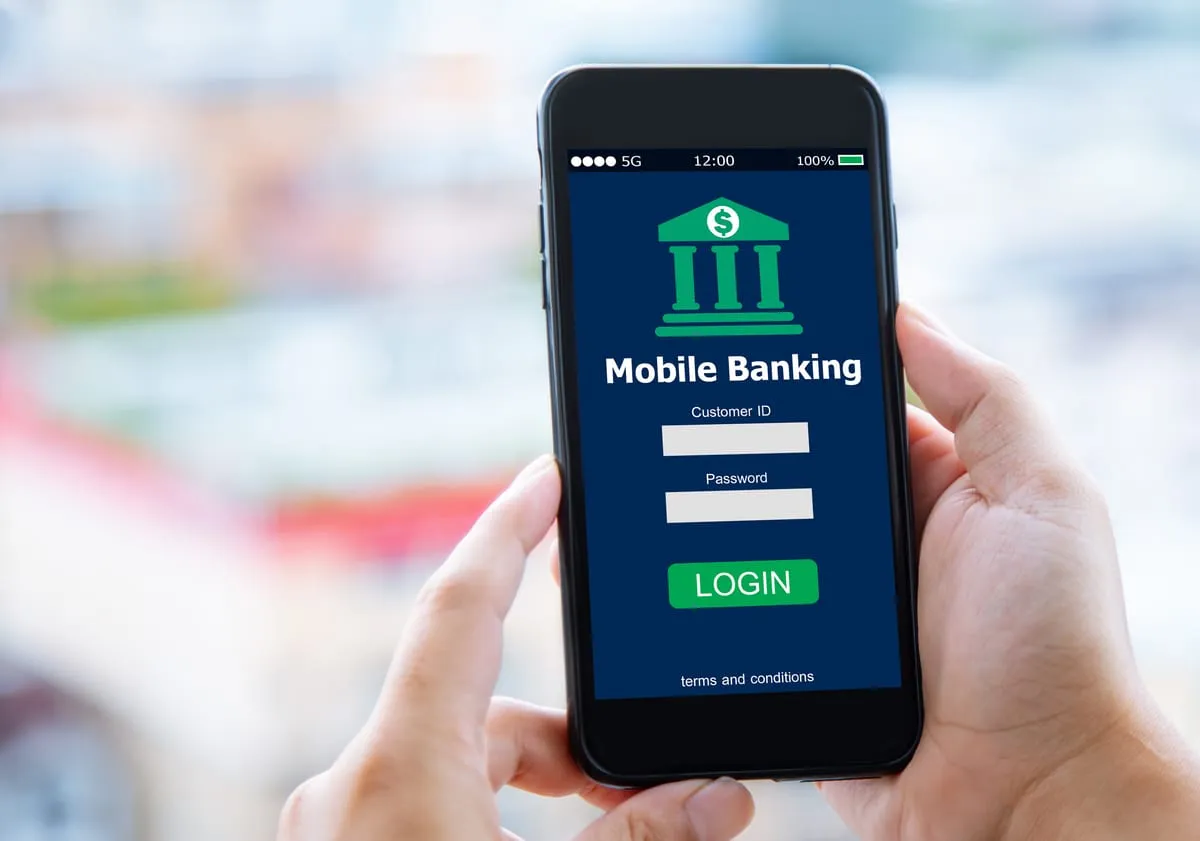
You don’t need a VPN to keep a banking app secure, because the app already encrypts your connection. You may need one to get in at all: some US banks, card issuers and other US services flag or block logins that come from a foreign location, and a VPN server in the US makes your connection look like it’s coming from home.
How to handle banking on a trip:
- Use your own mobile data for banking when you can. CISA’s holiday travel advice says to switch off Wi-Fi and use your cellular connection if you must check a balance or make a purchase while traveling.
- On Wi-Fi, connect the VPN first, then open the banking app.
- If a login is blocked from abroad, switch to a US server in your VPN and try again.
- If the bank blocks the VPN, which some do because many customers share VPN addresses, pick a different US server or turn the VPN off and use mobile data.
- Keep text-message codes working. If your bank sends one-time codes by SMS, keep your US line active. On a dual-SIM phone you can leave it on for texts while an eSIM handles data.
Do I need a VPN for remote work while traveling?
If you work for an employer, use the company’s VPN or remote-access setup first and ask IT before you add a personal VPN on a work device. Many companies have rules about what software runs on their laptops, and some have rules about working from another country at all, so check before you go.
A personal VPN is still useful on your own phone and laptop for everything outside work: email, banking and booking on the hotel network. Freelancers without a company VPN are the travelers who benefit most, since client files and accounts move over shared networks every day.
Do I need a VPN to book flights and hotels?
No. Airline, hotel and booking sites encrypt your payment and login with HTTPS, so a VPN adds little protection there beyond hiding which sites you visit. Don’t count on a VPN to find cheaper fares either: prices depend on many things, and changing your apparent location can trigger a card fraud check. If a payment is declined while the VPN is on, turn it off and try again.
Where are VPNs illegal or restricted?
Some countries ban or restrict VPNs, and in those countries we don’t recommend using one, Surfshark included. Follow local law, travel with as little sensitive data as you can, and read the State Department page for your destination before you go. Here is what US government sources say about the best-known cases.
| Country | What the State Department says | Our advice |
|---|---|---|
| China | VPN use is illegal in most cases and may result in device confiscation, a fine or detention; there’s no expectation of privacy on mobile or other networks | Don’t use a VPN. Many travelers bring a phone without sensitive data for use in China |
| United Arab Emirates | Its 2023 human rights report says VPNs are permitted for companies, institutions and banks, and unauthorized use can bring significant fines, prison or both | Don’t use a VPN to get around blocked services |
| Russia | Level 4: Do Not Travel; assume all electronic communications and devices are monitored | Don’t go |
| Iran | Level 4: Do Not Travel | Don’t go |
The details, with sources:
- China. The State Department’s China travel advisory says using a VPN is illegal in most cases and can lead to device confiscation, a fine or detention. It also advises avoiding public Wi-Fi there. Many Western apps and sites are blocked in mainland China, and a VPN is not a safe way around that.
- United Arab Emirates (Dubai, Abu Dhabi). The State Department’s 2023 human rights report on the UAE says VPN use is permitted for companies, institutions and banks for internal purposes, and that convictions for unauthorized VPN use, including calls over VPN, can bring significant fines, imprisonment or both.
- Russia. The Russia travel advisory is Level 4: Do Not Travel, and tells US citizens to assume all electronic communications and devices are monitored by Russian security services.
- Iran. The Iran travel advisory is Level 4: Do Not Travel.
Some State Department advisories, including those for Russia and Iran, include general advice to use reputable VPN or calling apps. That’s security advice for people already there against the government’s warning, not a sign that VPN use is safe or legal in those countries. Other countries restrict VPNs too, and rules change, so check your destination’s State Department page before every trip.
Why we recommend Surfshark for travelers
For the trips where a VPN helps, we recommend Surfshark because one subscription covers unlimited devices, it has servers in 100 countries including 24 US cities, and it has a 30-day money-back guarantee. Those three things map directly to how Americans travel: several devices per family, a need for a US server to reach US accounts, and a way out if it doesn’t suit you.
What we checked on Surfshark’s site on October 31, 2026:
- Servers: 4,500+ in 100 countries, with US servers in 24 cities across 19 states.
- Devices: unlimited simultaneous connections on one plan.
- Price: a few dollars a month on the 2-year plan, billed upfront; renewal costs more than the first term.
- Refunds: 30-day money-back guarantee.
Our Surfshark for travel review covers its features, limits and step-by-step setup, and our best VPN for travel comparison shows how it stacks up against NordVPN, ExpressVPN and Proton VPN. If you’re ready, get Surfshark before your trip and install it at home on reliable Wi-Fi.
How to set up a VPN before you fly
Set up and test the VPN at home, where you have a fast connection and time to fix problems. Five steps:
- Install the app on every device you’re bringing: phone, laptop and tablet.
- Sign in and connect once to a US server and to a server near your destination, so you know both work.
- Turn on automatic connection for untrusted Wi-Fi if your app offers it, so you don’t have to remember.
- Test your bank and card apps while connected to a US server.
- Update your phone and apps and turn on two-factor authentication for email and banking, which protects you whether or not the VPN is on.
Pair the VPN with a travel eSIM. Use mobile data for banking and anything sensitive, and save the VPN for the times you’re on hotel or cafe Wi-Fi.
The bottom line on VPNs for travel
Get a VPN if you’ll use hotel, airport or cafe Wi-Fi, if your US bank is quick to block foreign logins, or if you work on the road. Skip it in countries that restrict VPNs, and don’t treat it as protection against phishing or bad downloads. For most American travelers, a VPN plus a travel eSIM covers every connection on the trip.
Next: our best eSIM for international travel guide picks the data plan, and Airalo vs local SIM vs roaming compares the costs. When you’re ready, start your Surfshark plan, then browse creator-made travel maps on Guidez to plan where you’ll use that connection.